Creating a home office that is both cozy and productive can transform your work-from-home experience. Whether you are working remotely full-time, freelancing, or just occasionally handling tasks at home, a thoughtfully designed workspace helps you stay focused and comfortable throughout the day. In this guide, we’ll share practical tips on how to set up a home office that balances comfort and efficiency.
Why a Cozy and Productive Home Office Matters
A home office serves as your dedicated zone for work, helping you separate professional tasks from personal life. When the space feels inviting and comfortable, you are more likely to enjoy spending time there. Combining coziness with productivity means designing a workspace that minimizes distractions, encourages focus, and supports your well-being.
Choose the Right Location
Consider Natural Light
Pick a spot in your home that receives plenty of natural light. Daylight helps regulate your body’s clock and can lift your mood, making it easier to concentrate. If possible, place your desk near a window but avoid glare on your screen by positioning monitors perpendicular to the window.
Minimize Distractions
Select a quiet area away from household traffic or noisy appliances. If this is challenging, try using noise-canceling headphones or adding sound-absorbing elements like rugs and curtains.
Invest in Ergonomic Furniture
Comfortable furniture supports long hours of work without causing strain. Key items to consider include:
– Ergonomic Chair: Choose a chair with adjustable height, lumbar support, and armrests to maintain good posture.
– Desk at Proper Height: Your desk should allow your elbows to be at a 90-degree angle when typing.
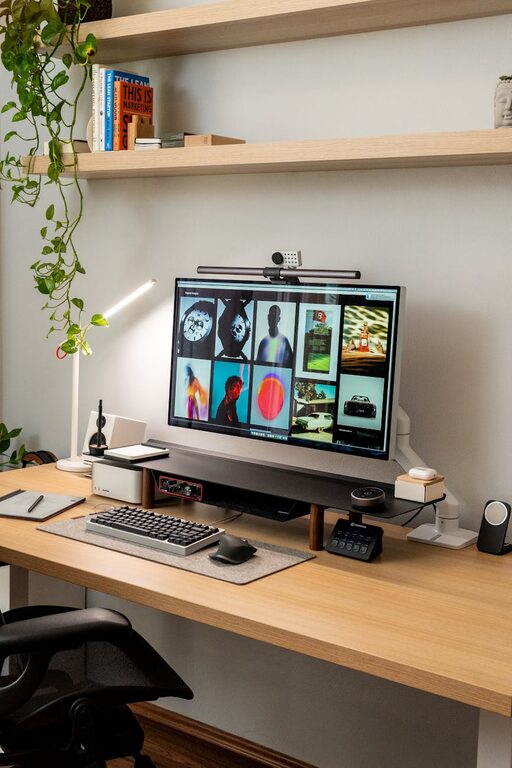
– Monitor Stand or Adjustable Arm: Raise your screen to eye level to reduce neck strain.
Personalize Your Space
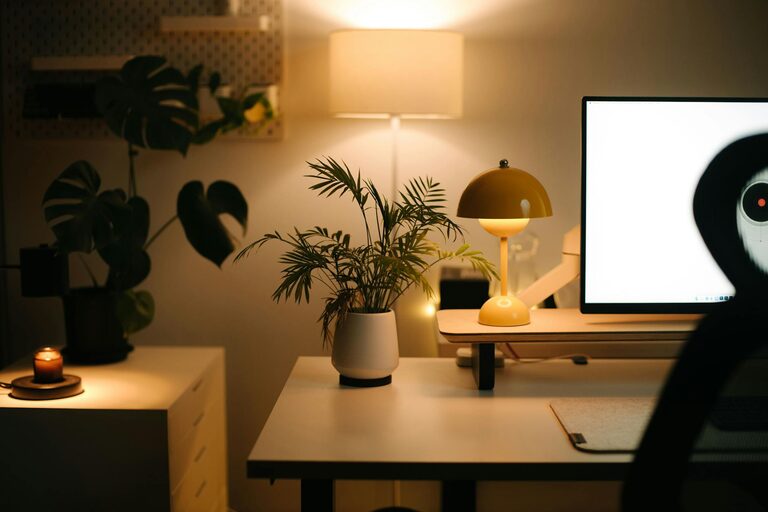
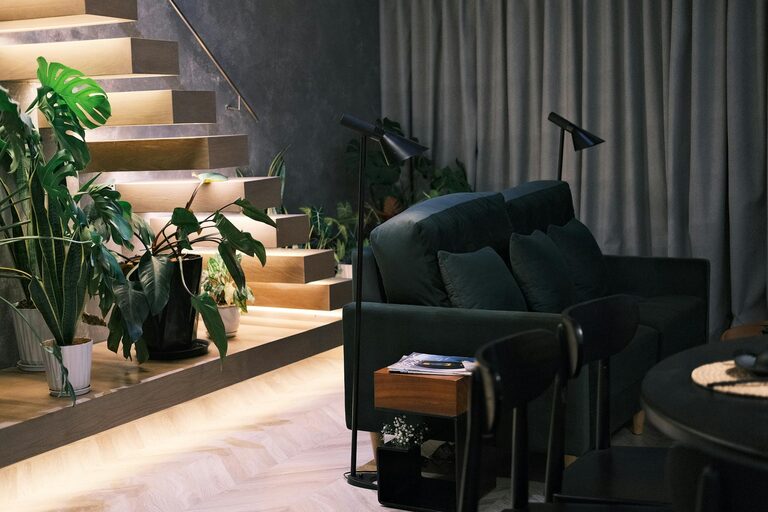
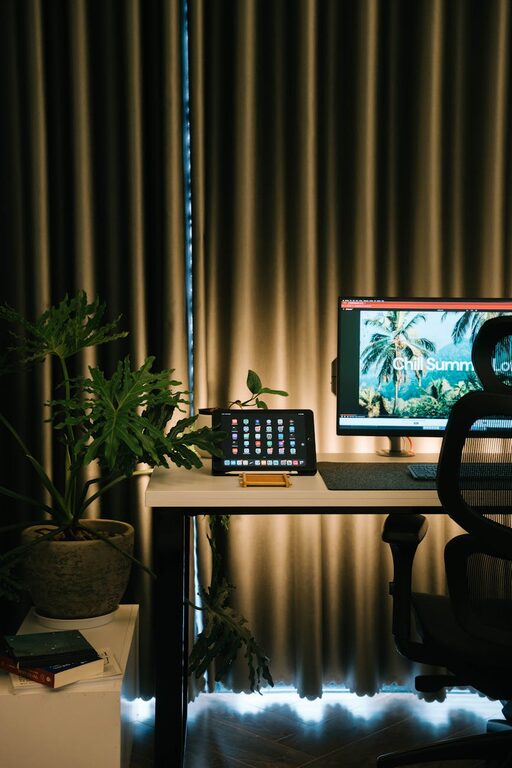
Adding personal touches makes your home office feel welcoming. This can include framed photos, favorite books, artwork, or plants. Plants not only brighten the environment but also improve air quality and can reduce stress.
Organize Your Workspace
Declutter Regularly
A tidy desk helps you focus on tasks without feeling overwhelmed. Keep only the essentials within reach and store other items neatly away.
Use Storage Solutions
Incorporate shelves, drawers, or filing cabinets to keep paperwork and supplies organized. Label containers for easy access.
Cable Management
Avoid tangled cords by using cable organizers, clips, or sleeves. This keeps your desk neat and prevents distractions.
Optimize Lighting
In addition to natural light, use layered lighting to reduce eye strain and create ambiance.
– Task Lighting: A desk lamp with adjustable brightness is ideal for focused work.
– Ambient Lighting: Soft overhead lighting provides general illumination.
– Accent Lighting: Use decorative lights to add warmth and personality.
Set Up Technology Efficiently
Choose reliable and necessary technology to support your workflow:
– A fast internet connection
– Quality keyboard and mouse
– Webcam and microphone if you attend virtual meetings
– Backup drives or cloud storage for data safety
Keep cables and devices organized to avoid clutter.
Establish Boundaries and Routine
Create signals that indicate your work time and space, such as closing the door or using curtains. Stick to a consistent daily schedule to build productive habits.
Add Comfort Items
Small details can make your office more comfortable:
– A cozy throw blanket or cushion
– An adjustable fan or heater
– Aromatherapy or air purifiers
These elements contribute to a pleasant environment that supports well-being.
Final Thoughts
Designing a cozy and productive home office is about balancing function and comfort. By carefully selecting your space, investing in ergonomic furniture, personalizing the area, and maintaining organization, you create an environment that encourages focus and makes work feel less like a chore. Remember, the best home office is one that suits your individual preferences and work style. Make adjustments over time as needed to optimize your space for success.