Creating a cozy and productive home office is essential for anyone working remotely or pursuing personal projects. Your workspace can significantly influence your focus, creativity, and overall well-being during work hours. Whether you have a dedicated room or a small corner, setting up a comfortable and efficient office space at home is achievable with thoughtful planning.
Why a Cozy and Productive Home Office Matters
Working from home comes with unique challenges, such as distractions and blurred boundaries between work and personal life. A well-designed home office helps minimize interruptions, enhance motivation, and create a professional mindset—even when you’re just steps away from your kitchen or living room.
Comfort affects concentration: when you feel physically comfortable, your brain can focus better. Productivity benefits from having organized tools and an inspiring environment. Balancing coziness and functionality is the key to a successful home office setup.
Choosing the Right Location
Consider Natural Light and Ventilation
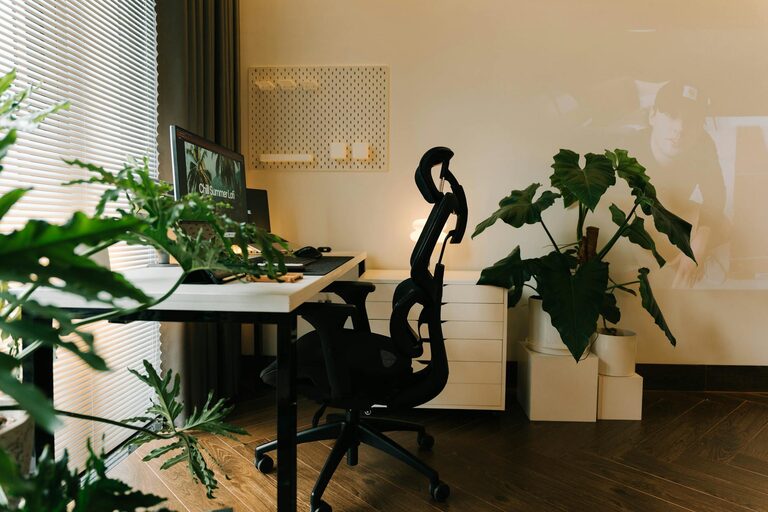
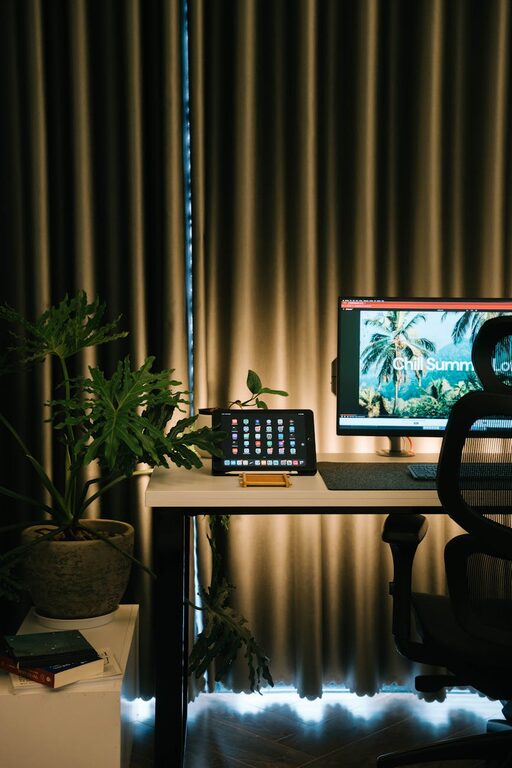
Selecting a spot with plenty of natural light can improve mood, reduce eye strain, and increase alertness. Aim to position your desk near a window, avoiding glare on screens by adjusting blinds or curtains. Good air circulation is equally important; fresh air helps you stay energized and focused.
Minimize Noise and Distractions
If possible, choose a quiet space away from high-traffic areas or noisy appliances. Using noise-canceling headphones or a white noise machine can help when complete silence is unattainable. If privacy is limited, clear boundaries with household members about your work hours can reduce interruptions.
Ergonomic Furniture and Layout
Invest in a Comfortable Chair and Desk
An ergonomic chair with adjustable height, lumbar support, and comfortable padding can prevent back pain and improve posture. Your desk should be at a height where your elbows rest comfortably at around 90 degrees when typing. Adjustable desks, including standing desk options, offer flexibility to change positions throughout the day.
Organize Your Workspace Efficiently
Place frequently used items—like notebooks, pens, or your phone—within arm’s reach. Keep your desk clear of unnecessary clutter, allowing space to think and work effectively. Use cable organizers to prevent tangles and hidden storage solutions to maintain a clean look.
Personalize Your Space for Comfort and Inspiration
Add Soothing Colors and Textures
Soft, neutral colors often create a calming effect, but don’t hesitate to add pops of your favorite hues through accessories like cushions, rugs, or wall art. Textured items such as a cozy throw blanket or a comfortable chair pad can enhance warmth and comfort.
Bring in Plants and Natural Elements
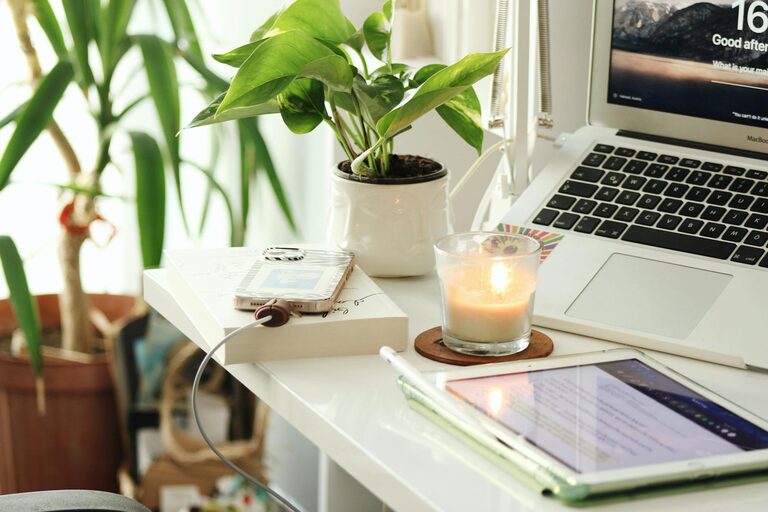
Indoor plants not only improve air quality but also boost mood and creativity. Choose easy-to-care-for plants like pothos, snake plants, or succulents. Natural materials like wooden organizers or stone decorations add earthiness that complements a cozy vibe.
Optimize Lighting for Different Tasks
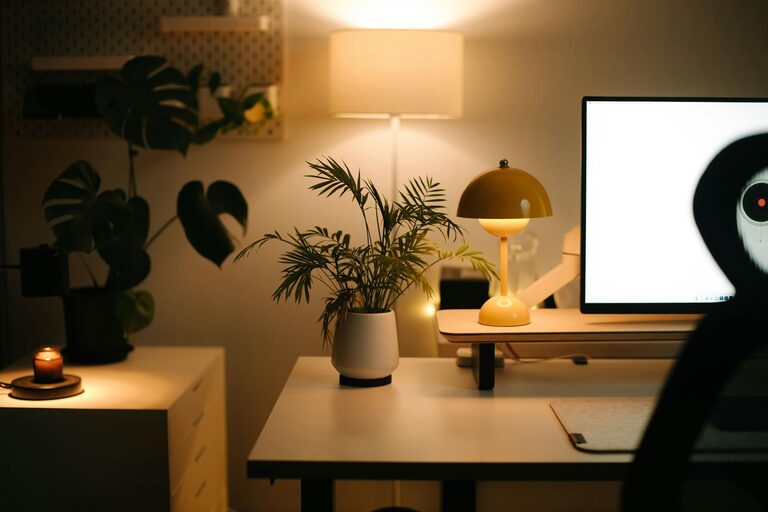
Having multiple light sources helps reduce eye strain and creates a pleasant atmosphere. Use a combination of ambient lighting (like ceiling lights), task lighting (adjustable desk lamps), and accent lighting (fairy lights or small lamps). Warm-white bulbs tend to be gentler on the eyes, especially in the evening.
Manage Technology Mindfully
Choose Efficient Devices and Accessories
Reliable internet, up-to-date software, and fast devices prevent frustration and wasted time. Make sure your monitor is at eye level and at a comfortable distance to avoid neck strain.
Keep Cables Tidy and Devices Charged
Use cable clips, ties, and charging stations to keep cords organized and your desk neat. Position charging areas so your phone or tablet doesn’t distract you during work periods.
Establish a Routine and Boundaries
A productive home office is more than just physical setup; habits matter too. Set consistent work hours and communicate these with others in your household. Use your cozy office space as a cue to switch into work mode, helping your brain separate work time from relaxation.
Tips Summary
– Select a well-lit, quiet spot with fresh air.
– Use ergonomic furniture for comfort and health.
– Keep your workspace organized and clutter-free.
– Personalize your office with colors, textures, and plants.
– Utilize layered lighting for different tasks.
– Choose efficient technology and manage cables neatly.
– Set clear work routines and boundaries for focus.
Final Thoughts
Designing a cozy and productive home office can transform how you approach your daily tasks. By blending comfort, style, and functionality, your workspace will support better work habits and promote a pleasant environment. Whether you’re focused on completing projects or attending virtual meetings, these tips help create a home office where productivity and comfort go hand in hand. Take small steps to improve your setup, and enjoy the benefits of a tailored work environment right at home.